



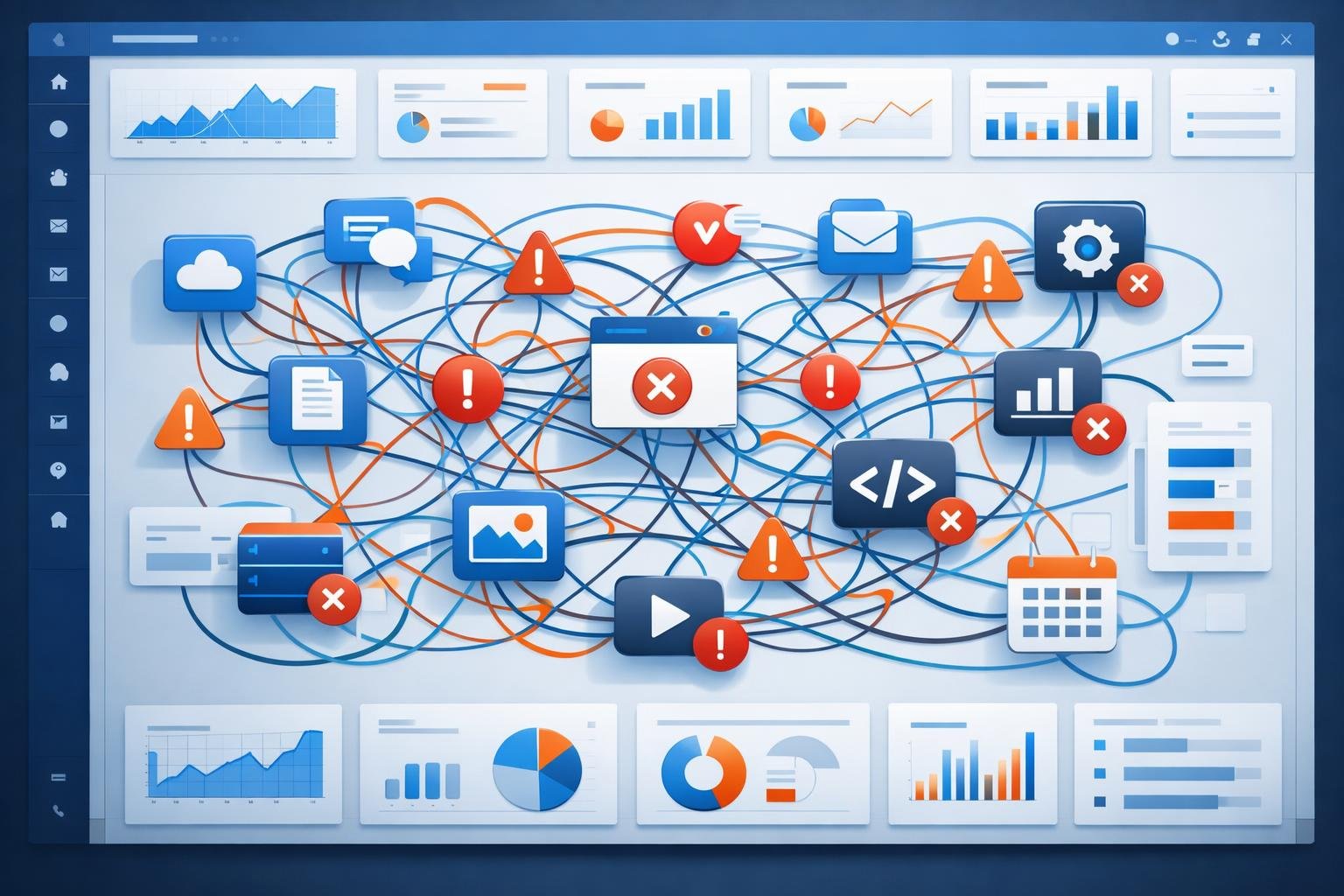
Common Mistakes Beginners Make When Using SaaS Tools
Introduction
SaaS tools have made it easier than ever to start and grow an online business. From website builders to email marketing platforms, there’s a tool for almost everything.
However, many beginners struggle—not because they lack tools, but because they use them without a clear strategy. In many cases, the problem isn’t the software itself, but how it’s applied.
This guide explains the most common mistakes beginners make when using SaaS tools, along with practical ways to avoid them.
What Are SaaS Tools? (Core Concept)
SaaS (Software as a Service) tools are cloud-based applications that you access through a browser, without installing them on your computer.
Instead of buying software once, you usually pay a subscription fee to use it.
Examples include:
- website platforms
- email marketing tools
- analytics dashboards
These tools are designed to simplify workflows and improve efficiency—but only when used correctly.
How SaaS Tools Work

Most SaaS tools operate through a simple system:
- You sign up online
- You configure settings based on your needs
- You use the tool through a dashboard
For example, an email marketing tool allows you to:
- collect emails
- create campaigns
- automate messages
In many cases, these tools also integrate with each other, creating a connected workflow.
Types of SaaS Tools
- Email marketing
- Social media management
- SEO tools
-
Content Creation Tools
- Writing assistants
- Design platforms
- Video tools
-
Business & Productivity Tools
- Project management
- CRM systems
- Collaboration tools
-
Analytics Tools
- Website tracking
- User behavior insights
Each category serves a different purpose, but they often work best when combined.
Real-World Use Cases
Let’s look at a simple example:
A beginner blogger might use:
- a website platform to publish content
- an SEO tool to find keywords
- an email tool to build an audience
For example, a user writes a blog post, attracts visitors through search engines, and then collects emails to stay connected with readers.
Popular SaaS Tools Explained
-
WordPress
- What it does: Website and content management
- Best for: Bloggers and businesses
- Use case: Publishing articles and landing pages
- Strength: Flexible and scalable
- Limitation: Requires initial setup
-
Mailchimp
- What it does: Email marketing automation
- Best for: Beginners
- Use case: Sending newsletters and campaigns
- Strength: Easy to use
- Limitation: Limited advanced automation
-
Notion
- What it does: Productivity and organization
- Best for: Individuals and teams
- Use case: Managing projects and content plans
- Strength: All-in-one workspace
- Limitation: Can feel complex at first
Comparing Tools: Simplicity vs Flexibility
Simple Tools
- easier to learn
- faster to set up
- Advanced Tools
- more features
- better customization
In many cases, beginners benefit from starting simple before moving to more advanced systems.
Benefits of Using SaaS Tools
- save time
- automate repetitive tasks
- improve organization
- scale business operations
For example, automation can handle emails while you focus on creating content.
Limitations to Be Aware Of
- monthly costs
- learning curve
- dependency on internet
SaaS tools are powerful, but they are not a complete solution on their own.
Common Mistakes Beginners Make
-
Using Too Many Tools at Once
One common mistake beginners make is signing up for multiple tools without a clear plan.
This leads to:
- confusion
- wasted time
- higher costs
-
Choosing Tools Without Strategy
Many beginners choose tools based on popularity rather than their actual needs.
For example, using a complex automation tool when a simple email tool would be enough.
-
Ignoring Integration and Workflow
SaaS tools work best when connected.
If tools are not integrated:
- data becomes scattered
- workflows become inefficient
-
Expecting Instant Results
Tools do not guarantee success.
In many cases, results come from:
- consistency
- strategy
- testing
-
Not Learning the Tool Properly
Beginners often use only basic features and ignore powerful functions.
This limits the value they get from the tool.
-
Over-Automating Too Early
Automation is useful—but too much automation without understanding the process can reduce quality.
Practical Tips for Beginners

Start Simple
Use one or two tools and master them before adding more.
Focus on Your Goal
Ask:
- What am I trying to achieve?
Then choose tools that support that goal.
Build a Simple Workflow
For example:
- content → email → conversion
Learn as You Go
Spend time understanding features and best practices.
Review and Optimize
Regularly check:
- what’s working
- what’s not
Future Trends in SaaS Tools
- AI-powered automation
- better integrations
- more user-friendly platforms
SaaS tools are becoming smarter and easier to use, especially for beginners.
FAQ
-
What is the biggest mistake beginners make with SaaS tools?
The biggest mistake is using too many tools without a clear strategy, which leads to confusion and inefficiency.
-
Do I need multiple SaaS tools to succeed?
No, many beginners can start with just one or two tools and expand as their needs grow.
-
How do I choose the right SaaS tool?
Focus on your goals, budget, and ease of use rather than popularity.
-
Are free SaaS tools enough for beginners?
Yes, free tools are often sufficient to start and learn before upgrading.
-
Can SaaS tools automate my entire business?
No, tools can assist and automate tasks, but strategy and decision-making still require human input.
Conclusion
SaaS tools are powerful, but they are only as effective as the strategy behind them.
By avoiding common beginner mistakes—such as overusing tools, skipping planning, and ignoring workflows—you can build a more efficient and sustainable system.
In many cases, success comes from simplicity: using the right tools, in the right way, for the right purpose.