



Introduction
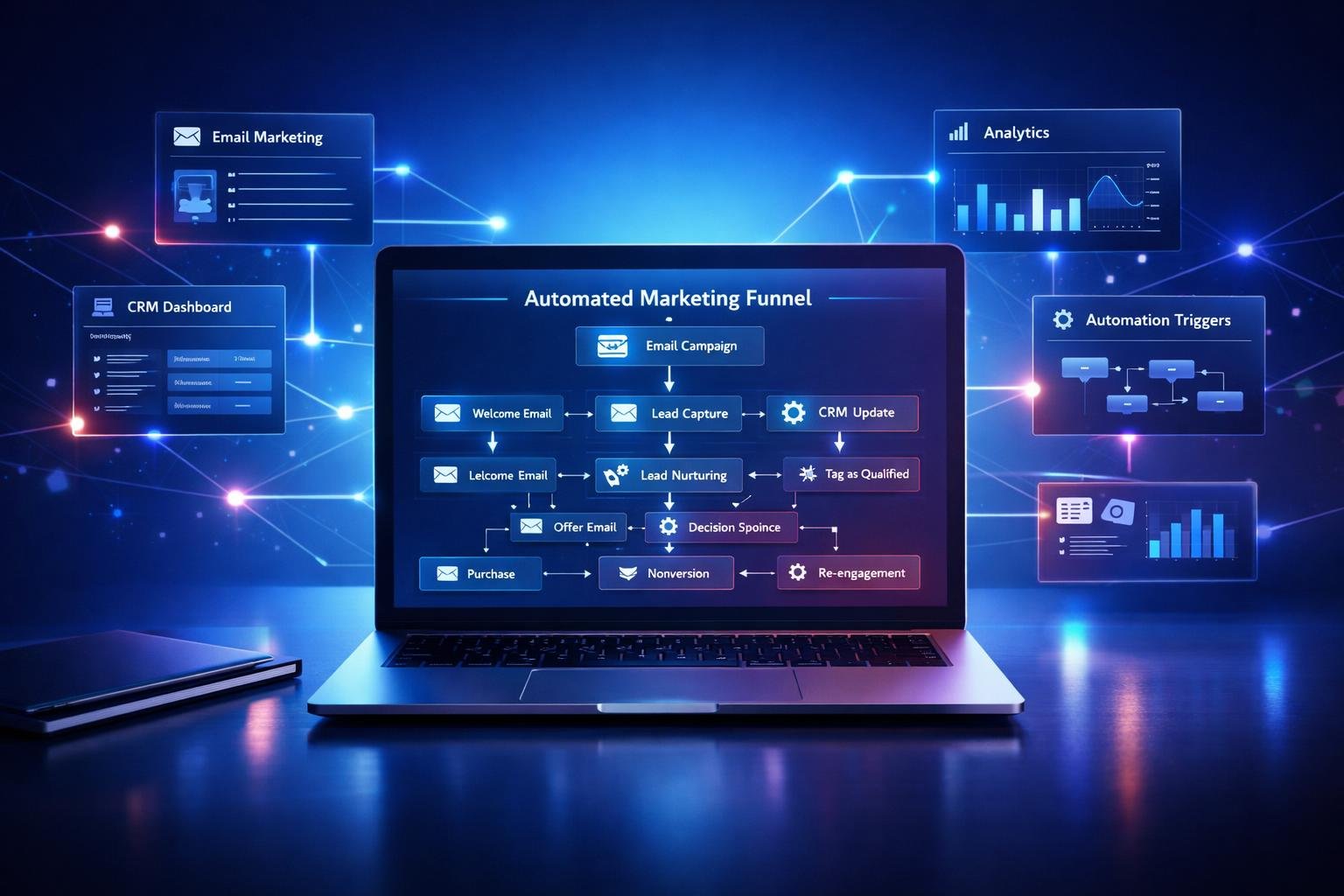
Marketing today involves many repetitive tasks—sending emails, following up with leads, tracking customer behavior, and more. In many cases, these tasks take up valuable time that could be spent on strategy or growth.
This is where marketing automation becomes important. Instead of doing everything manually, businesses can use software to automate routine processes and create more consistent customer experiences. For beginners, understanding this concept can feel confusing at first, but once simplified, it becomes one of the most powerful tools for growth.
What Is Marketing Automation? (Core Concept)
Marketing automation refers to using software tools to automate marketing tasks and workflows.
Instead of manually sending emails or tracking every customer interaction, automation tools handle these processes based on predefined rules.
For example, when someone signs up for your website, an automated system can instantly send a welcome email without you doing anything manually.
At its core, marketing automation is about:
- saving time
- improving efficiency
- delivering consistent communication
How Marketing Automation Works
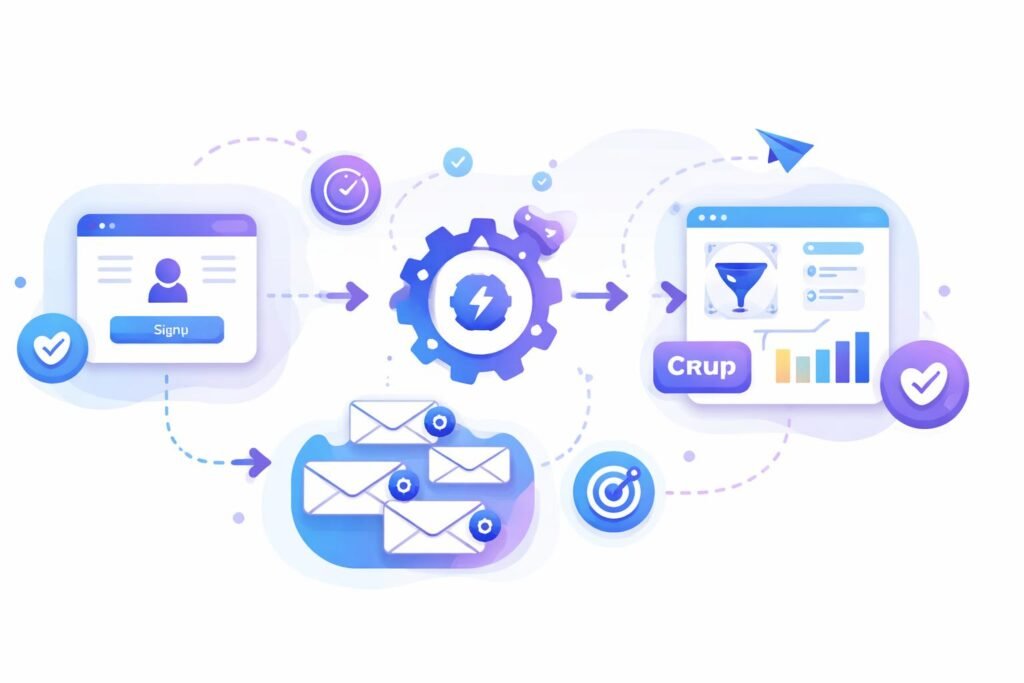
Marketing automation works by combining three key elements:
-
Triggers
These are actions taken by users.
For example:
- signing up for a newsletter
- clicking a link
- abandoning a cart
-
Workflows
Workflows define what happens after a trigger.
For example:
- send a welcome email
- wait 2 days
- send a follow-up email
-
Actions
These are the automated responses:
- emails
- notifications
- Tagging users in a system
In many cases, once a workflow is set up, it runs automatically without further input.
Types of Marketing Automation
Marketing automation can be applied in different areas of a business:
Email Automation
- welcome sequences
- newsletters
- follow-up emails
Lead Management
- tracking potential customers
- scoring leads based on behavior
Customer Retention
- re-engagement campaigns
- loyalty programs
Sales Support
- automated reminders
- pipeline tracking
Each type helps businesses maintain communication without constant manual effort.
Real-World Examples
Understanding real scenarios makes this easier.
Example 1: Welcome Email Sequence
When a user signs up:
- Day 1 → welcome email
- Day 3 → helpful content
- Day 5 → product introduction
This happens automatically.
Example 2: Abandoned Cart Emails
If a customer adds a product but doesn’t buy:
- an automatic reminder email is sent
- This helps recover lost sales.
Example 3: Lead Nurturing
For example, a business can:
- send educational emails
- gradually introduce services
- guide users toward a decision
Manual Marketing vs Automated Marketing
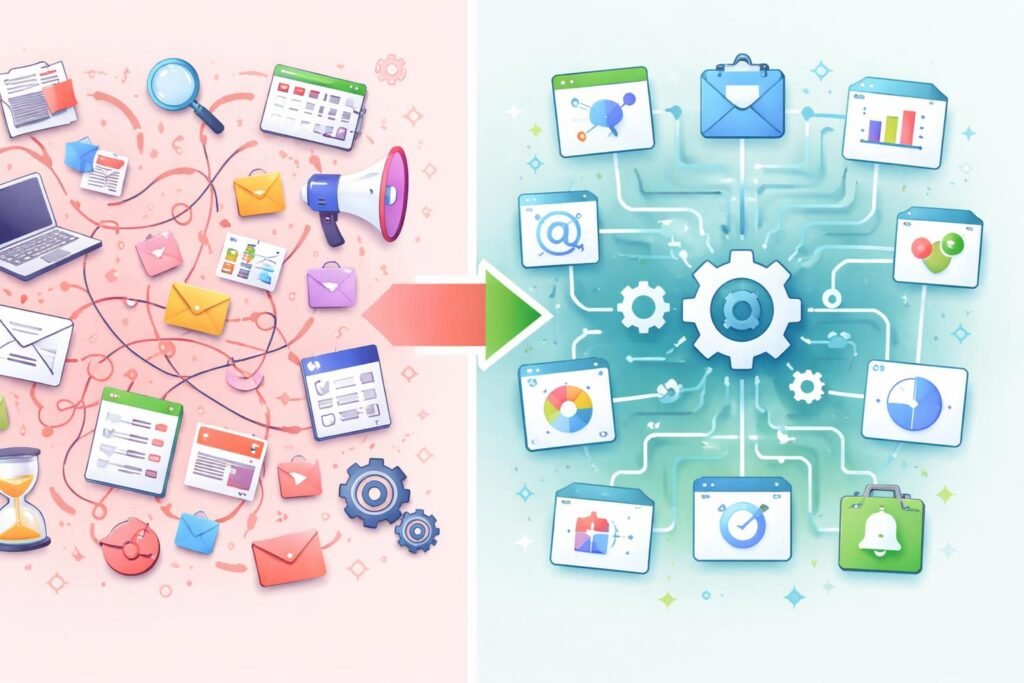
Manual Marketing
- time-consuming
- inconsistent
- difficult to scale
Automated Marketing
- efficient
- consistent
- scalable
In many cases, businesses that rely only on manual processes struggle as they grow.
Tools Used in Marketing Automation (Explained Simply)
Instead of listing many tools, let’s understand categories:
Email Automation Tools
Used to send automated email sequences.
Best for:
- newsletters
- onboarding
CRM Systems
Used to manage customer relationships.
They help track:
- interactions
- sales pipelines
Workflow Builders
These tools allow you to create automation flows visually.
For example:
- “If user signs up → send email → wait → send follow-up”
Comparing Simple vs Advanced Automation Tools
Simple Tools
- easy to use
- quick setup
- limited features
- Best for beginners.
Advanced Tools
- powerful automation
- deeper customization
- require learning
- Best for growing businesses.
Benefits of Marketing Automation
- saves time
- improves consistency
- helps scale communication
- reduces manual errors
For example, instead of sending emails individually, automation handles thousands of users at once.
Limitations of Marketing Automation
- initial setup takes time
- requires planning
- over-automation can feel impersonal
One common mistake beginners make is automating everything without thinking about user experience.
Common Beginner Mistakes
-
Overcomplicating workflows
- Trying to build complex systems too early.
-
Ignoring personalization
- Sending generic messages instead of tailored content.
-
Choosing tools without a plan
- Using software without understanding goals.
-
Not testing automation
- Failing to check if workflows actually work.
Practical Tips for Beginners
start simple (one workflow at a time)
- focus on real user needs
- test your automation regularly
- use clear and helpful messaging
For example, begin with a basic welcome email before building complex funnels.
Future Trends in Marketing Automation
Marketing automation is evolving quickly, especially with AI.
- Some trends include:
- smarter personalization
- predictive analytics
- AI-driven content suggestions
In many cases, tools are becoming easier to use, which benefits beginners.
FAQ
-
Is marketing automation only for large businesses?
No, even small businesses can benefit from marketing automation. Many tools offer simple features that help beginners automate basic tasks like emails and follow-ups.
-
Do I need technical skills to use marketing automation?
Most modern tools are beginner-friendly. While some advanced features require learning, basic automation can be set up without technical knowledge.
-
What is the easiest way to start with marketing automation?
Start with email automation, such as a welcome sequence. It is simple to set up and provides immediate value.
-
Can automation replace human interaction?
No, automation supports communication but should not replace human connection. A balance between automation and personalization is important.
-
How many tools do I need to start?
In most cases, one tool is enough to begin. As your business grows, you can add more tools gradually.
Conclusion
Marketing automation is not about replacing human effort—it’s about making your marketing more efficient and consistent.
By automating repetitive tasks, businesses can focus on strategy, creativity, and growth. For beginners, the key is to start simple, understand the basics, and build gradually.
In many cases, the right approach to automation can transform how a business communicates with its audience—without increasing workload.
[…] guide explains practical content marketing strategies that help you generate both traffic and sales, using a clear and beginner-friendly […]